
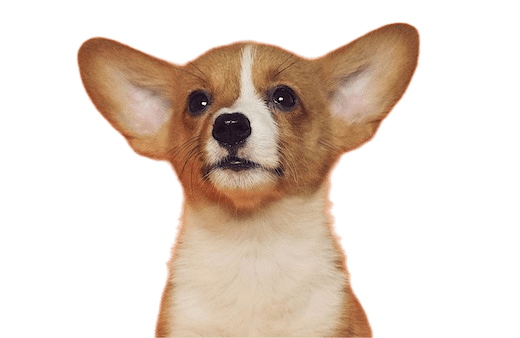






Lossless Background Removal
Free online batch background removal
Supported formats: jpg, heic, png, webp
MoPNG / Frequently Asked Questions
Frequently Asked Questions
From batch processing to precise cutouts, explore the image editing capabilities supported by MoPNG.
01Can I process multiple images at once?+
Yes. You can select multiple files or drag in multiple images at once, then process them in batches instead of handling each image separately.
02Can I apply a background color to multiple images?+
Yes. After setting the background color for one image, you can apply it to all uploaded images in the batch.
03Why can't I see the batch processing button?+
The batch button only appears after you drag in multiple images. With one image, the page keeps the simpler single-image workflow.
04Can cutout remove the foreground?+
Yes. Cutout supports removing both the background and selected parts of the foreground, including cases where you want to keep the background.
05Does cutout support fine editing? Can I erase and restore?+
Yes. Use the refinement brush to erase unwanted areas or restore areas removed by mistake for precise cutout adjustments.
06Does it support common sizes and ID photo background changes?+
Yes. MoPNG supports common image sizes and changing ID photo backgrounds, so you can quickly replace the background and adjust the photo to a standard size.
07Does it support AI outpainting and cropping?+
Yes. AI outpainting can extend the scene, and the crop tool can adjust the composition to different aspect ratios and sizes.
08How do I restore an old photo with AI?+
Open HD Upscale, choose HD Restoration, and click the restore button to improve the clarity and details of an old photo with AI.
Copyright © 2026 Hangzhou Qise Technology Co., Ltd.